

Ever wondered how your smartphone manages to connect you to the internet while you’re on the go? That’s the magic of mobile data. From streaming videos to keeping you connected on social media, mobile data has become an essential part of our digital lives. But, what exactly is mobile data on your phone? And why should anyone care? Grab your favorite beverage, sit back, and let’s jump into this topic with a sprinkle of humor and a dash of insight.
Understanding Mobile Data
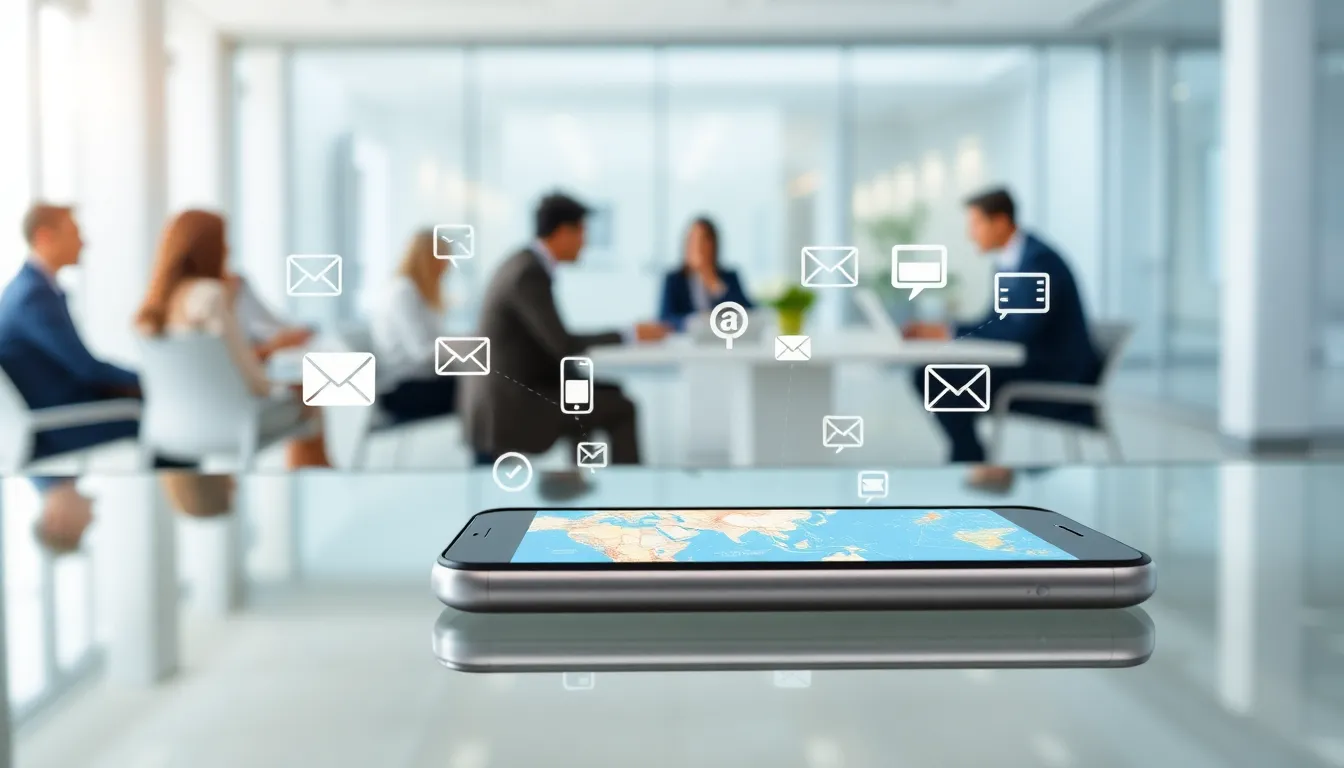
Mobile data acts as your phone’s lifeline to the internet when you aren’t connected to Wi-Fi. In simple terms, it’s the data service provided by your carrier that allows you to access websites, receive emails, and use apps without being tethered to a traditional internet connection. Think of it as a vast ocean of information, with your phone as the mighty ship sailing across it. When a user browses the web or uses apps that require internet connectivity, they tap into this mobile data, usually measured in megabytes (MB) or gigabytes (GB).
The concept of mobile data can sound a bit like magic, but it boils down to using cellular networks to help internet access. Essentially, phones connect to cell towers that deliver this data, enabling users to enjoy their favorite online activities wherever they roam, whether at the grocery store or atop a mountain.
Types Of Mobile Data Connections
Mobile data comes in several flavors, much like ice cream. Each type serves a specific purpose and provides varying levels of speed and reliability:
1. 2G Connections
Remember when your phone had a keypad and made those floppy sounds? Well, that was mainly powered by 2G. While it’s mainly phased out in many areas, it was the standard data connection for basic phone functions.
2. 3G Connections
This was a step up, offering decent internet speeds that made web browsing, emailing, and even limited video streaming possible. It paved the way for everything we know today.
3. 4G/LTE Connections
Living in the fast lane, 4G and LTE (Long-Term Evolution) connections provide faster download and upload speeds, making high-definition streaming a delightful experience. Users can download large files in mere minutes.
4. 5G Connections
And then came 5G, a revolutionary technology that promises blazing speeds, reduced latency, and unprecedented connectivity. Think of 5G as the superhero of mobile data, ready to provide seamless experiences in smart cities, autonomous vehicles, and augmented reality.
How Mobile Data Works
Understanding how mobile data gets from point A to point B might sound like a techy whodunit mystery, but it’s really quite straightforward. When a person sends a request, say, by tapping on a link or opening an app, here’s what happens:
- Signal Transmission: The phone transmits a signal to the nearest cell tower, which acts like a friendly neighborhood post office.
- Data Routing: The request is then routed through various networks until it reaches the destination server, where the requested data resides. This is similar to a relay race, each participant has a role, smoothly passing the baton.
- Data Retrieval: Once the server processes the request, it sends back the necessary information to the user’s phone via the same route.
- Display: The phone then displays that information, making it accessible in a split second.
All of this happens in the blink of an eye, allowing mobile data to feel almost instant.
Benefits Of Using Mobile Data
Using mobile data opens up a treasure chest of benefits for users. Here’s why it’s worthwhile:
- Accessibility: Mobile data ensures that the internet is always at your fingertips, no need to hunt down Wi-Fi hotspots wherever you go.
- Flexibility: Whether you’re commuting, traveling, or just lounging on the couch, mobile data provides a seamless experience, you can stay connected no matter where you are.
- Faster Speeds: Depending on the connection type, mobile data can be faster than your average home internet, especially with blazing-fast 4G and 5G users enjoying the speed.
- Always Up-to-Date: With mobile data, applications and social media are continuously synced and updated, ensuring users have the latest info without the hassle.
Managing Your Mobile Data Usage
To avoid falling down the rabbit hole of unexpectedly high bills, managing mobile data usage is crucial. Here are some savvy tips:
- Monitor Usage: Most smartphones have built-in features to track data usage. Periodically checking this can help identify apps that gobble data like hungry hippos.
- Limit Background Data: Certain apps continue to refresh data in the background. Crucially, checking settings can prevent unnecessary consumption when not actively using these apps.
- Use Wi-Fi When Available: Taking advantage of Wi-Fi helps keep mobile data reserve for times when it’s truly needed.
Mobile Data vs. Wi-Fi: Key Differences
Mobile data and Wi-Fi, two peas in a pod, yet oh-so-different. Here’s a breakdown of their key distinctions:
- Connection Type: Mobile data relies on cellular networks, while Wi-Fi connects you through a router linked to an internet service provider.
- Accessibility: Mobile data can go wherever you do, whereas Wi-Fi is limited to specific locations.
- Speed and Reliability: Depending on various factors, mobile data can be faster than Wi-Fi, especially in areas with strong 4G or 5G signals. But, Wi-Fi tends to be more stable in homes or offices.
How To Check Your Mobile Data Usage
Checking mobile data usage is as easy as pie. Here’s a quick guide for both iPhone and Android users:
For iPhone Users:
- Open Settings.
- Tap on Cellular (or Mobile Data).
- You’ll find data usage stats for the current period and can reset it as needed.
For Android Users:
- Open Settings.
- Select Network & Internet, and then Mobile Network.
- Tap on Data Usage to see stats.
With these guides, users will be equipped to keep tabs on their data like pros.